Bizrie for Schools, tutoring & enrichment

Keep families informed from drop-off to pickup.

Bizrie helps schools, tutoring centers, childcare programs, and enrichment providers share schedules, enrollment information, family guidance, events, and timely announcements on lobby TVs.

Works with a browser-equipped TV
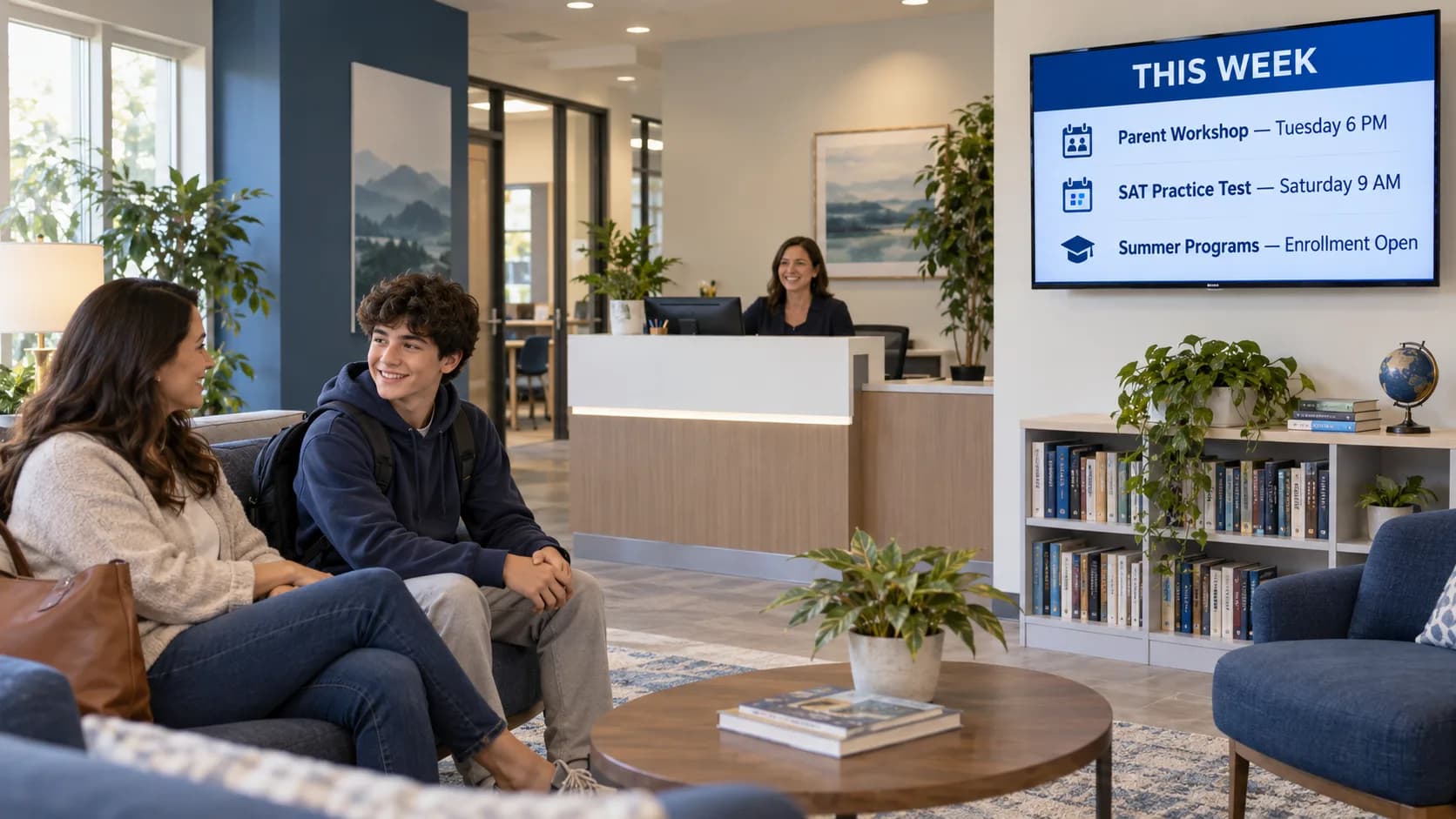
Education center reception area with a parent and student beside a television showing upcoming workshops and programs
A relevant channel—not ordinary TV.

Keep every family on the same page.

Preview a school or learning-center channel for schedules, programs, enrollment dates, family events, and timely pickup guidance.

WELCOME TOBrightPath LearningCuriosity grows here—one confident step at a time.
01 / 05
BrightPathLEARNING CENTER

The TV is already there.
Give it a purpose.

Without a useful TV channel

Parents and students may wait near a crowded bulletin board while schedules, program details, and pickup instructions are scattered across emails and paper handouts. Staff must repeat routine answers, and time-sensitive announcements are easy to overlook.

With a Bizrie channel

A focused lobby channel can show today’s schedule, upcoming workshops, enrollment deadlines, program availability, and clear arrival or pickup guidance. Families get useful information at a glance while staff stay focused on students and instruction.

Make the screen support the work your team is already doing.

Bizrie gives education teams a simple way to keep family communication visible and current. The channel can improve appointment and session readiness, promote additional programs, and create a more organized experience without adding another manual announcement task.

Start your 14-day trial

What content is useful on waiting-room TV for education & learning centers?

Useful content includes Daily schedules and room guidance, Enrollment and program deadlines, Parent workshops and events, Tutoring and test-prep programs, Staff and instructor introductions, and closures and safety announcements. The strongest channel alternates practical information with short educational and promotional messages instead of repeating one advertisement.

01Daily schedules and room guidance
02Enrollment and program deadlines
03Parent workshops and events
04Tutoring and test-prep programs
05Staff and instructor introductions
06Closures and safety announcements

Common questions about waiting-room TV for education & learning centers.

How often should education & learning centers update waiting-room TV content?

Schedules, room changes, closures, and pickup instructions should be updated immediately. Review enrollment dates and events weekly, and rotate general learning tips or program highlights monthly so frequent visitors continue seeing useful information.

Should waiting-room TV for education & learning centers have sound?

Use captions for every essential message and keep background music low enough for reception conversations. Reserve sound for brief welcomes or important announcements, and never depend on audio alone for safety or schedule information.

What should education & learning centers avoid showing on waiting-room TV?

Avoid student names, grades, attendance information, identifiable records, or student photos without appropriate authorization. Do not show outdated schedules, publicize individual pickup details, or let promotional content obscure urgent safety and operational messages.