
Bizrie for Faith communities

Help every visitor find their next point of connection.

Bizrie helps churches and worship centers share events, groups, volunteer opportunities, newcomer guidance, and real-time announcements on lobby TVs.

Works with a browser-equipped TV
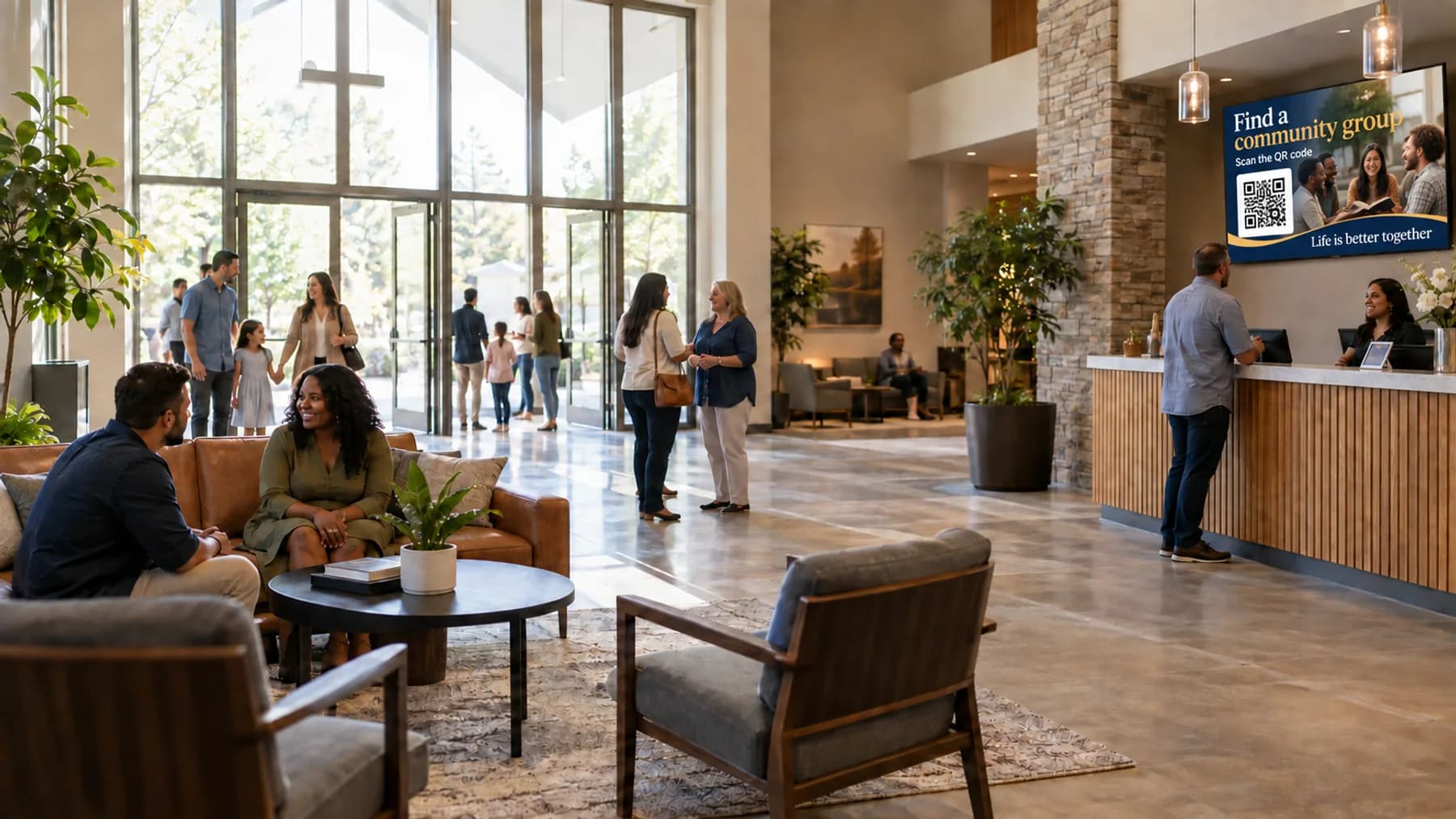
Church foyer with a TV channel inviting visitors to find a community group by QR code
A relevant channel—not ordinary TV.

Help people find their next connection.

Preview a foyer channel for welcomes, service times, groups, family check-in, volunteer opportunities, and same-day updates.

YOU’RE WELCOME HEREWe’re glad you came.Visit the welcome desk if we can help you find your way.
01 / 05
Common GroundCOMMUNITY CHURCH

The TV is already there.
Give it a purpose.

Without a useful TV channel

Before and after gatherings, people move through a foyer filled with conversations, printed flyers, and competing announcements. Newcomers may not know where to ask questions, while regular attendees can miss the next opportunity to participate.

With a Bizrie channel

A community channel can welcome guests, promote groups and events, explain children’s check-in, and make volunteer opportunities visible. QR codes let people respond privately from their phones without creating a line at the information desk.

Make the screen support the work your team is already doing.

Bizrie helps ministry teams keep communication current without redesigning slides or reprinting posters every week. One channel can support connection, participation, and a more welcoming experience across every lobby screen.

Start your 14-day trial

What content is useful on waiting-room TV for churches & worship centers?

Useful content includes Community-group invitations, Upcoming events and service times, Newcomer guidance, Children’s check-in instructions, Volunteer opportunities, and real-time room changes. The strongest channel alternates practical information with short educational and promotional messages instead of repeating one advertisement.

01Community-group invitations
02Upcoming events and service times
03Newcomer guidance
04Children’s check-in instructions
05Volunteer opportunities
06Real-time room changes

Common questions about waiting-room TV for churches & worship centers.

How often should churches & worship centers update waiting-room TV content?

Update service times, room assignments, and same-day announcements immediately. Review groups, events, and volunteer opportunities weekly so people do not scan a code for an event that has already passed.

Should waiting-room TV for churches & worship centers have sound?

Foyer screens usually work best with captions and low instrumental music. Spoken welcomes can be effective before a gathering, but they should not compete with conversations, hospitality teams, or worship audio from nearby rooms.

What should churches & worship centers avoid showing on waiting-room TV?

Avoid expired events, insider language that newcomers may not understand, overly dense calendars, and photos used without permission. The channel should guide people toward connection rather than replay a long list of announcements.